
Getting around Hong Kong
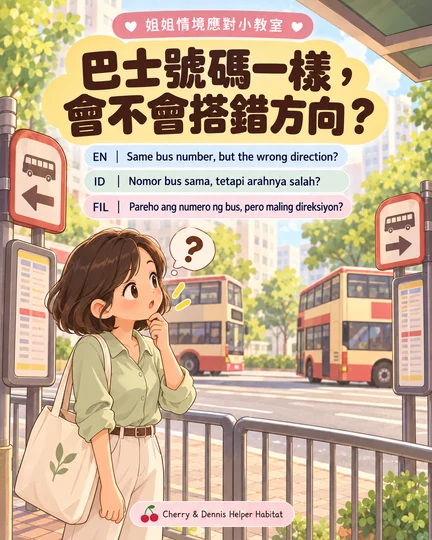
Same bus number, but the wrong direction?
Check both the route number and destination.
Read the situationGetting around Hong Kong · 6 pages per topic
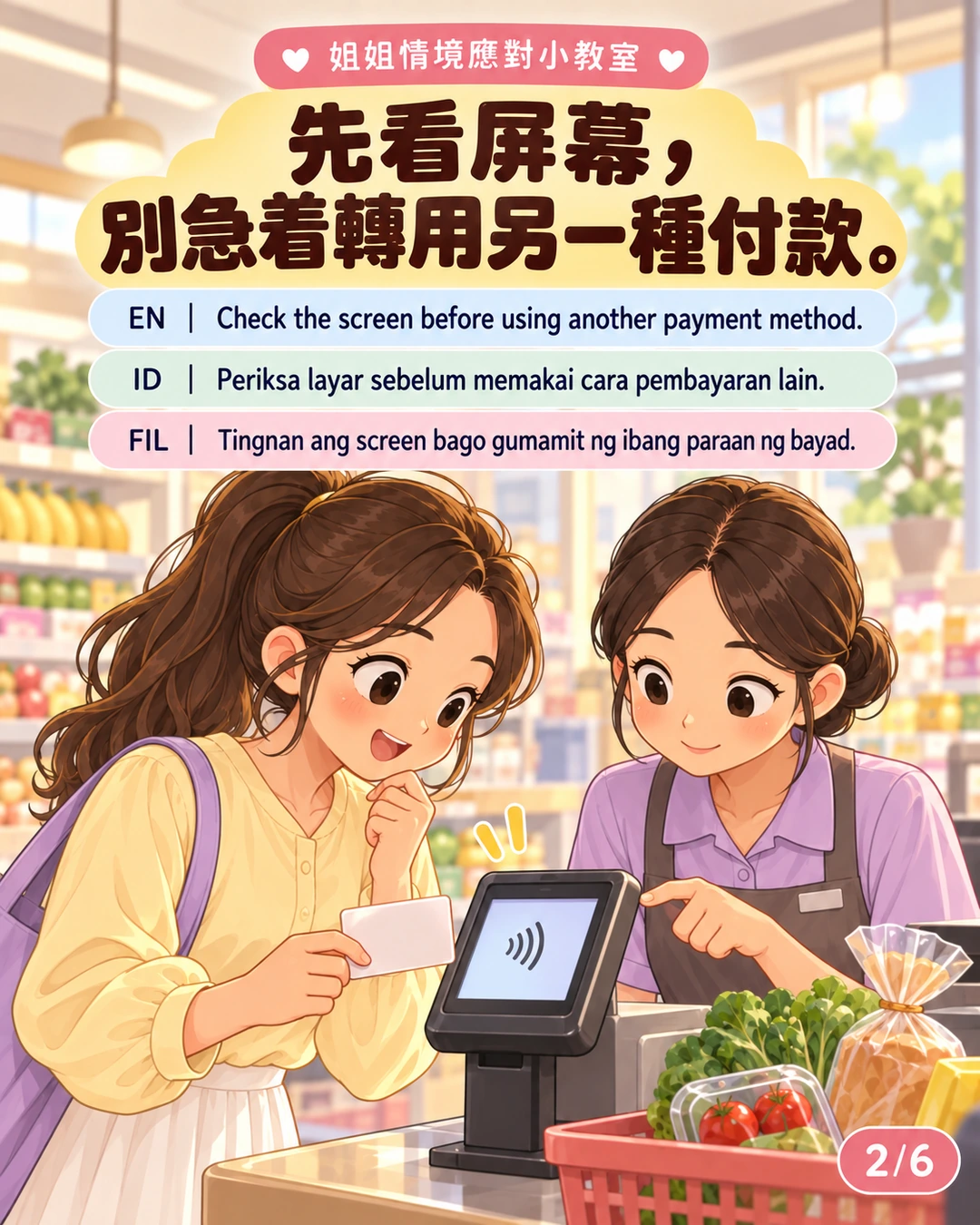
Check the screen before using another payment method.
Read the text ↓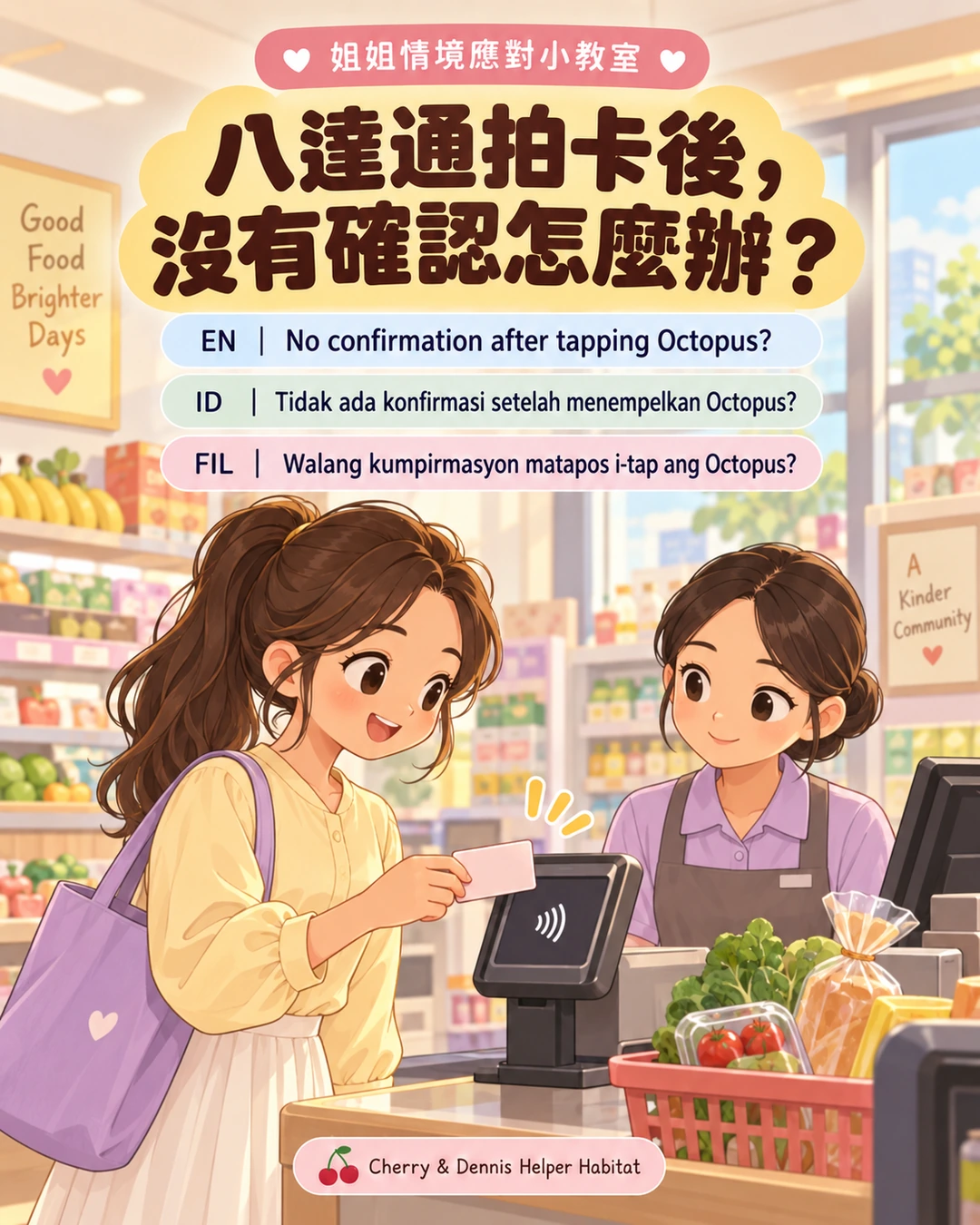
Each image has four languages. Select “Enlarge image” to read it closely.
Use the illustrations and text together. All six pages are below in your chosen language.
No confirmation after tapping Octopus?
Check the screen before using another payment method.
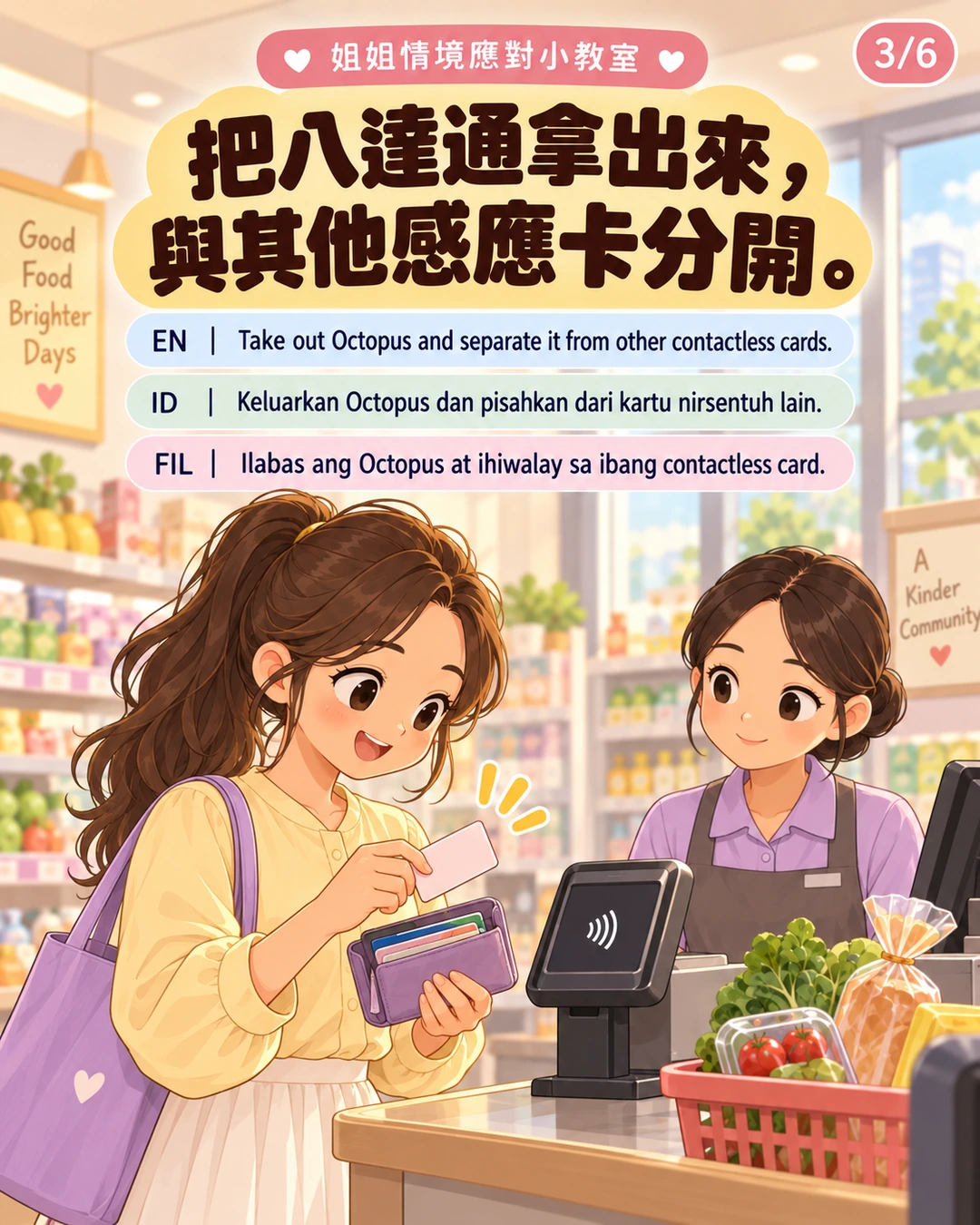
Take out Octopus and separate it from other contactless cards.
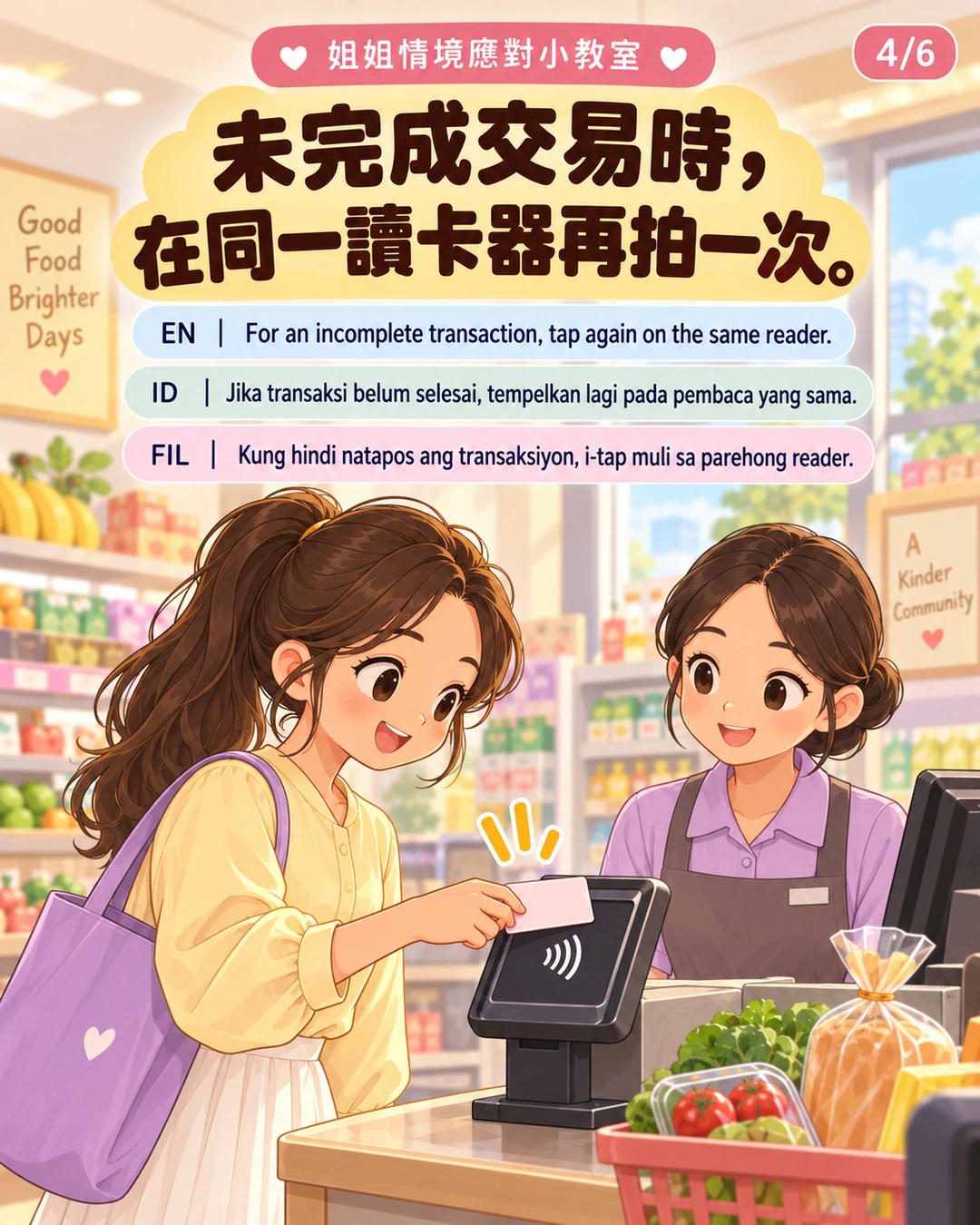
For an incomplete transaction, tap again on the same reader.
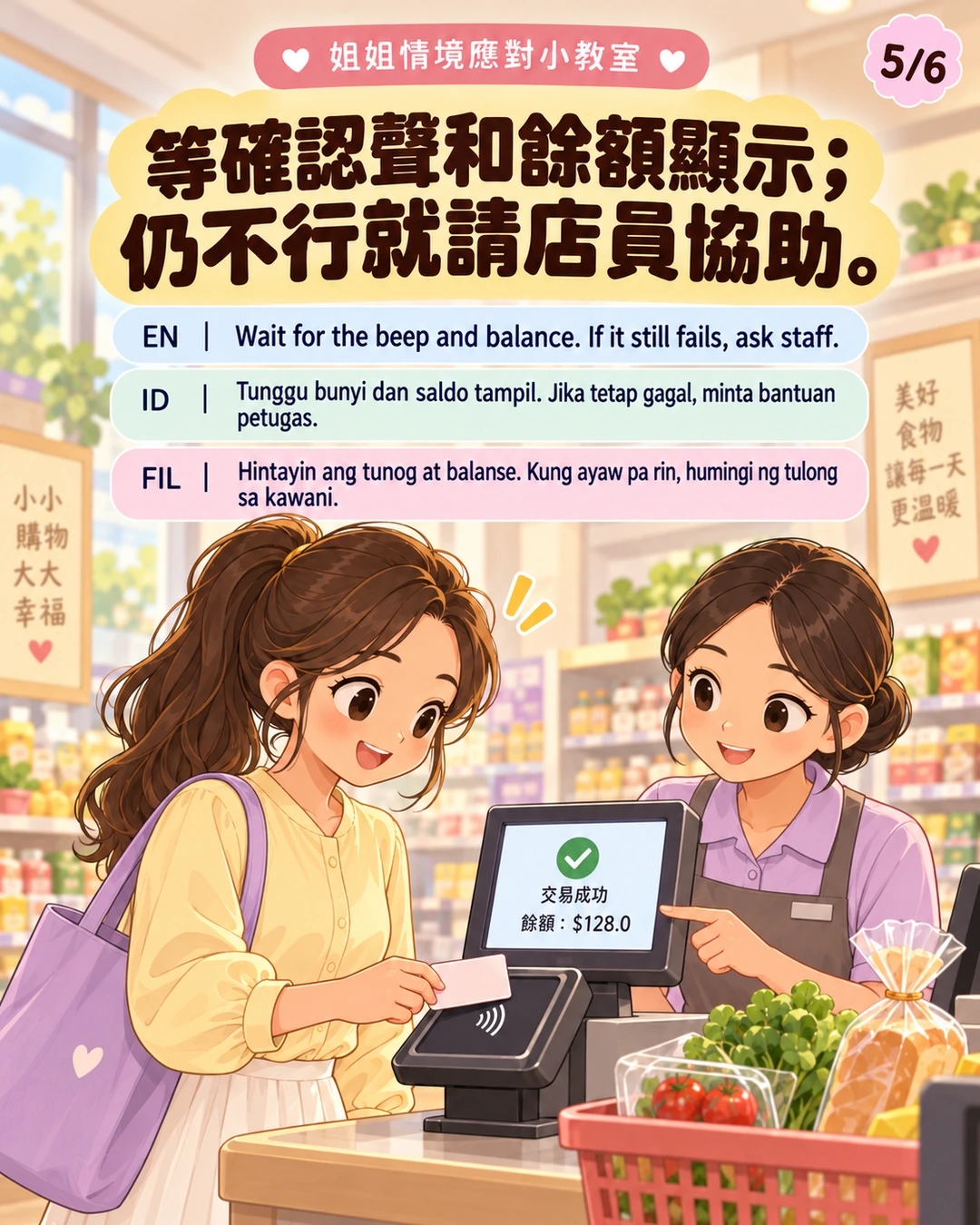
Wait for the beep and balance. If it still fails, ask staff.
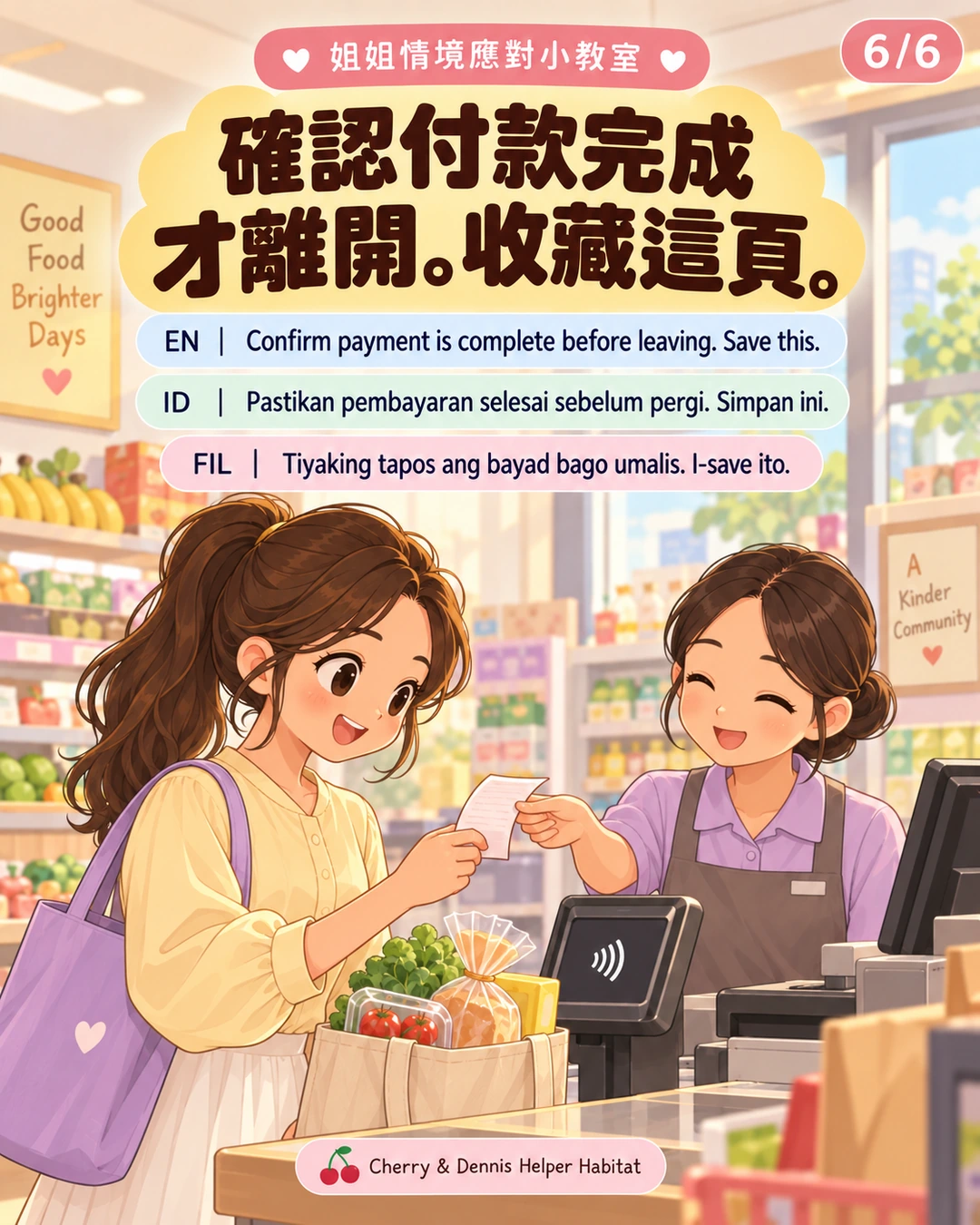
Confirm payment is complete before leaving. Save this.
Shared links keep your current reading language.
Everyday guidance based on the sources below; it does not replace an individual care plan, on-site instructions or professional assessment.
Getting around Hong Kong
Check both the route number and destination.
Read the situation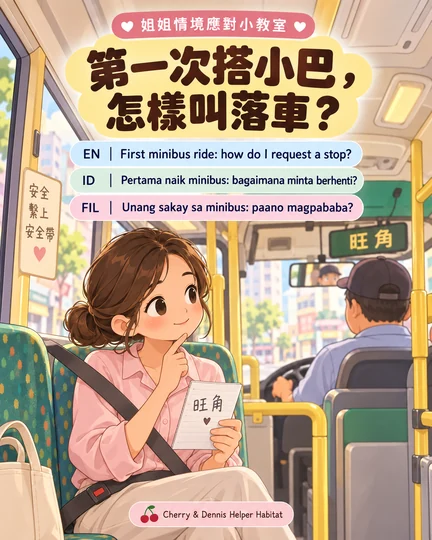
Getting around Hong Kong
Check the route and stop before boarding. Once seated, fasten your seat belt.
Read the situation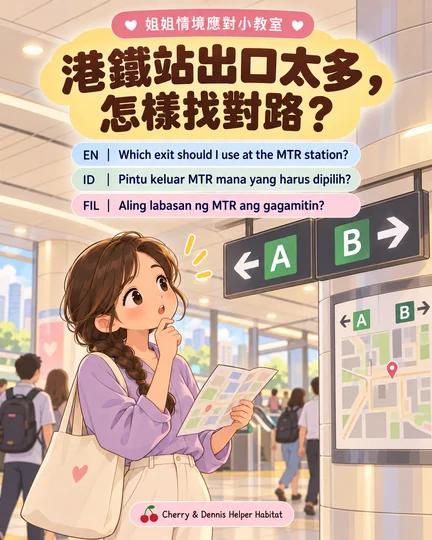
Getting around Hong Kong
First check the destination name and full address.
Read the situation