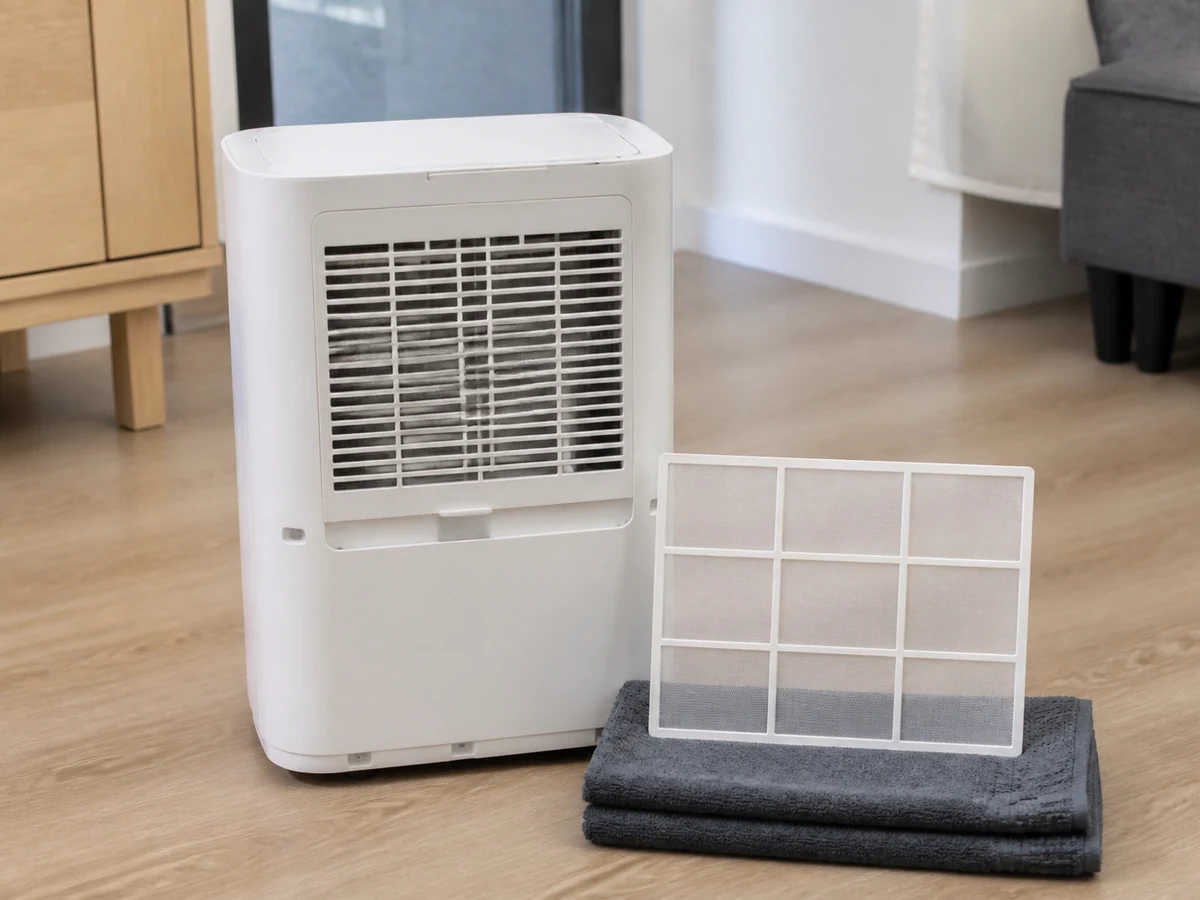
Appliance care
How to Clean a Dehumidifier Dust Filter
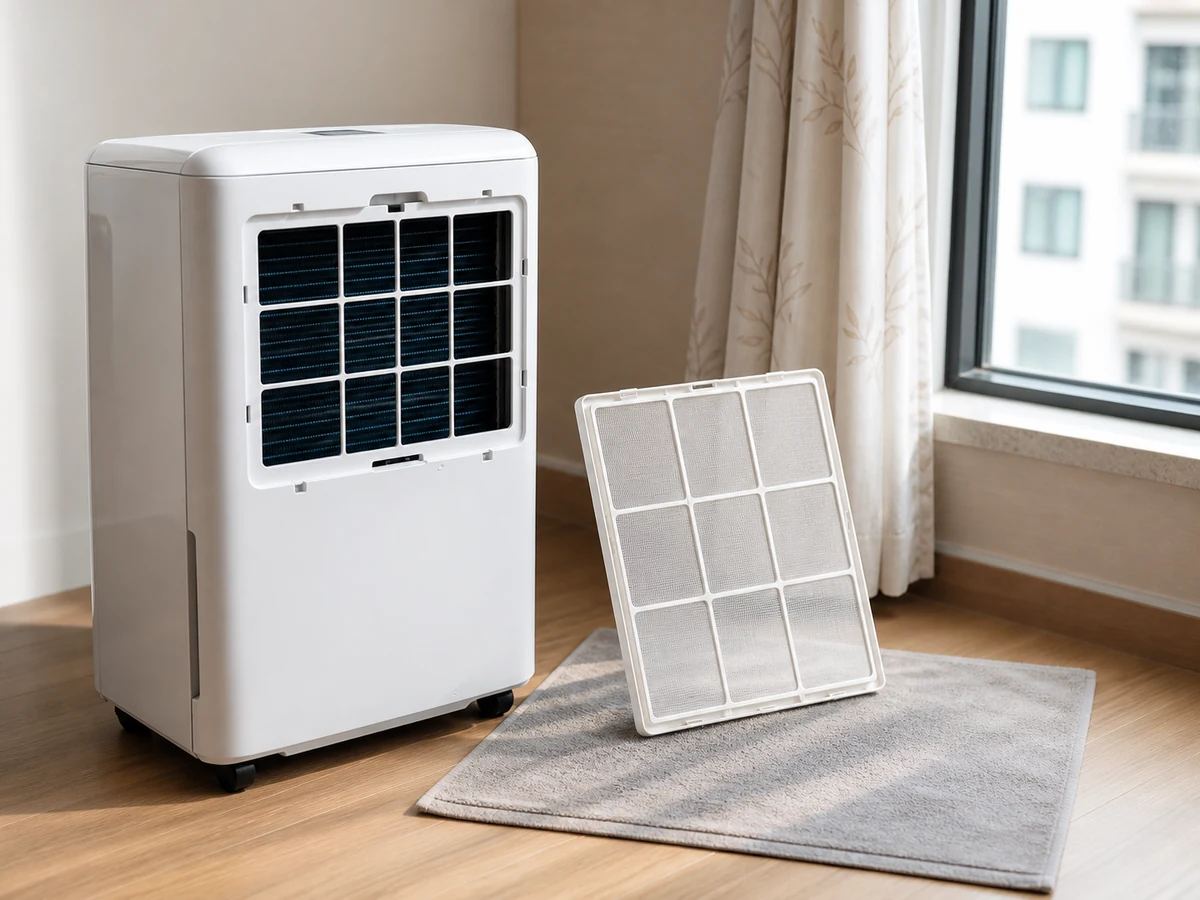
Clean only the resident-serviceable filter identified by the model manual
Overview
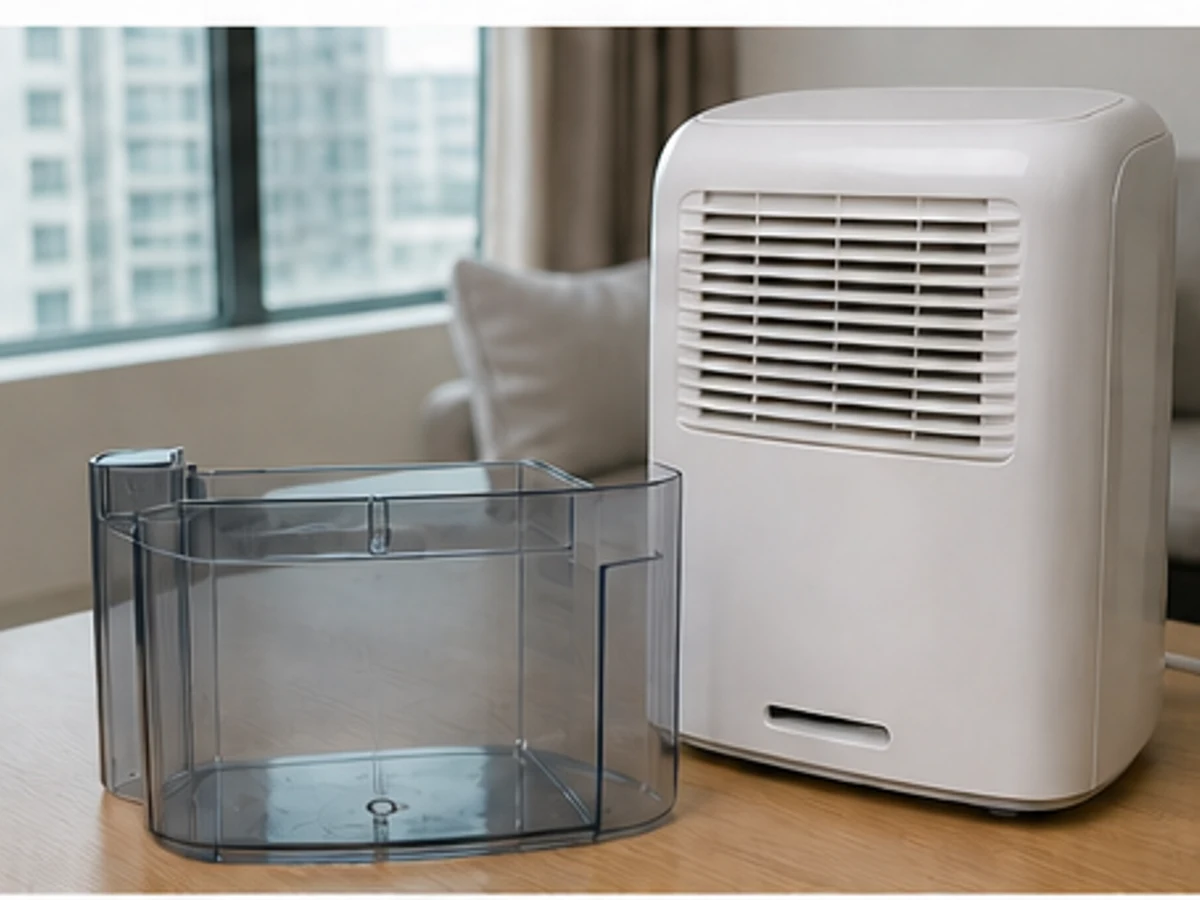
Filter location, removal and washability vary by dehumidifier model. Read the model manual, switch off and unplug first. Handle only a user-serviceable dust filter; do not remove screws, casing, ducts or internal parts.
Tools needed
- Model manual
- Vacuum soft-brush attachment
- Clean soft brush
- Water only if the manual permits
- Clean soft cloth and dry towel
Cleaning steps
Identify the model and filter
Read the manual and locate the resident-removable filter and cleaning method. Stop if screws or casing removal are required.
Switch off and unplug
Switch off normally, wait for the fan to stop, then unplug by the plug with dry hands.
Remove as instructed
Slide out the filter gently in the stated direction. Do not pull hard or reach inside.
Remove surface dust first
Use the manual-approved soft brush or low-suction brush attachment without damaging the mesh.
Wash only when permitted
Use the specified washing method only when the model manual explicitly allows it; otherwise keep the process dry.
Dry fully and refit
Dry a washable filter completely in a shaded ventilated place, refit in the correct direction, reset only as instructed and check operation.
Common mistakes
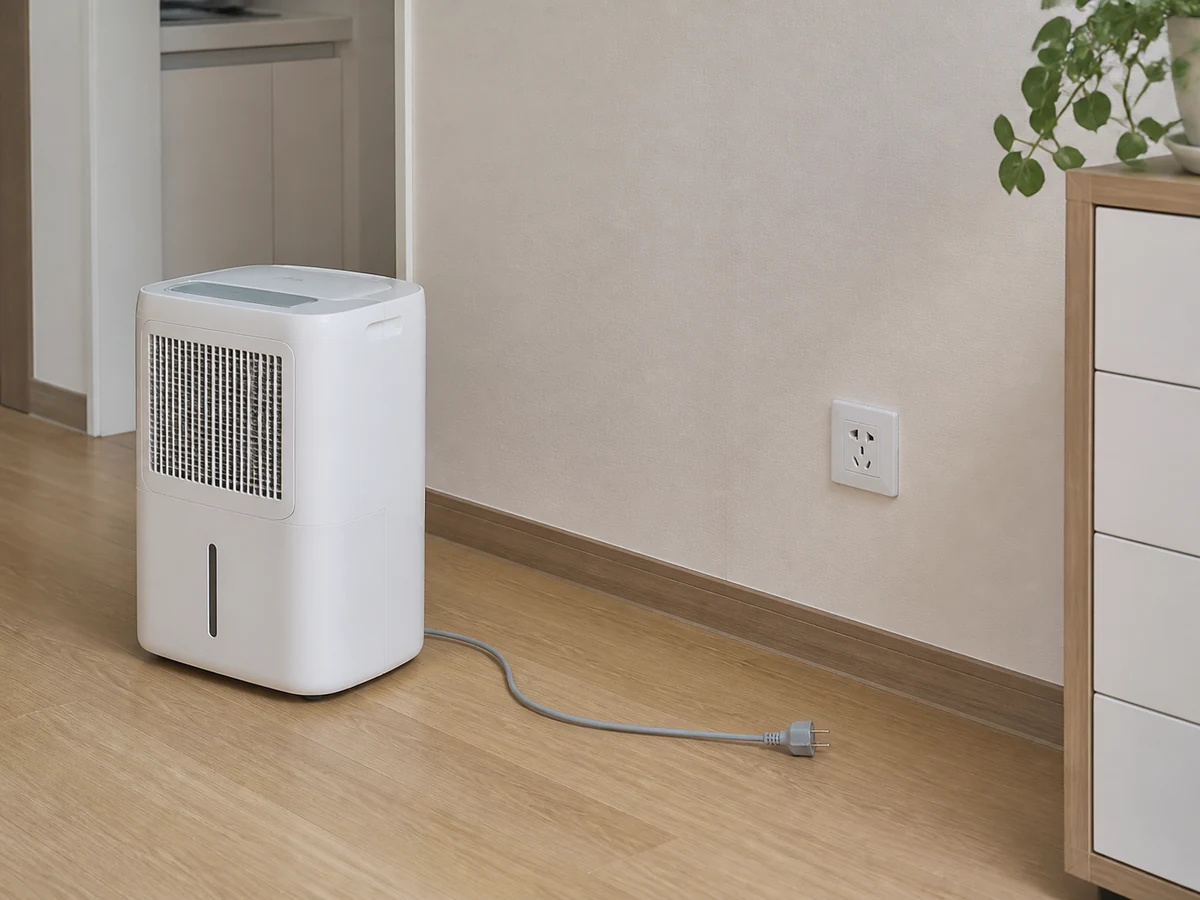
Removing the filter while still plugged in
✓ Correct actionSwitch off, wait for movement to stop and unplug first.
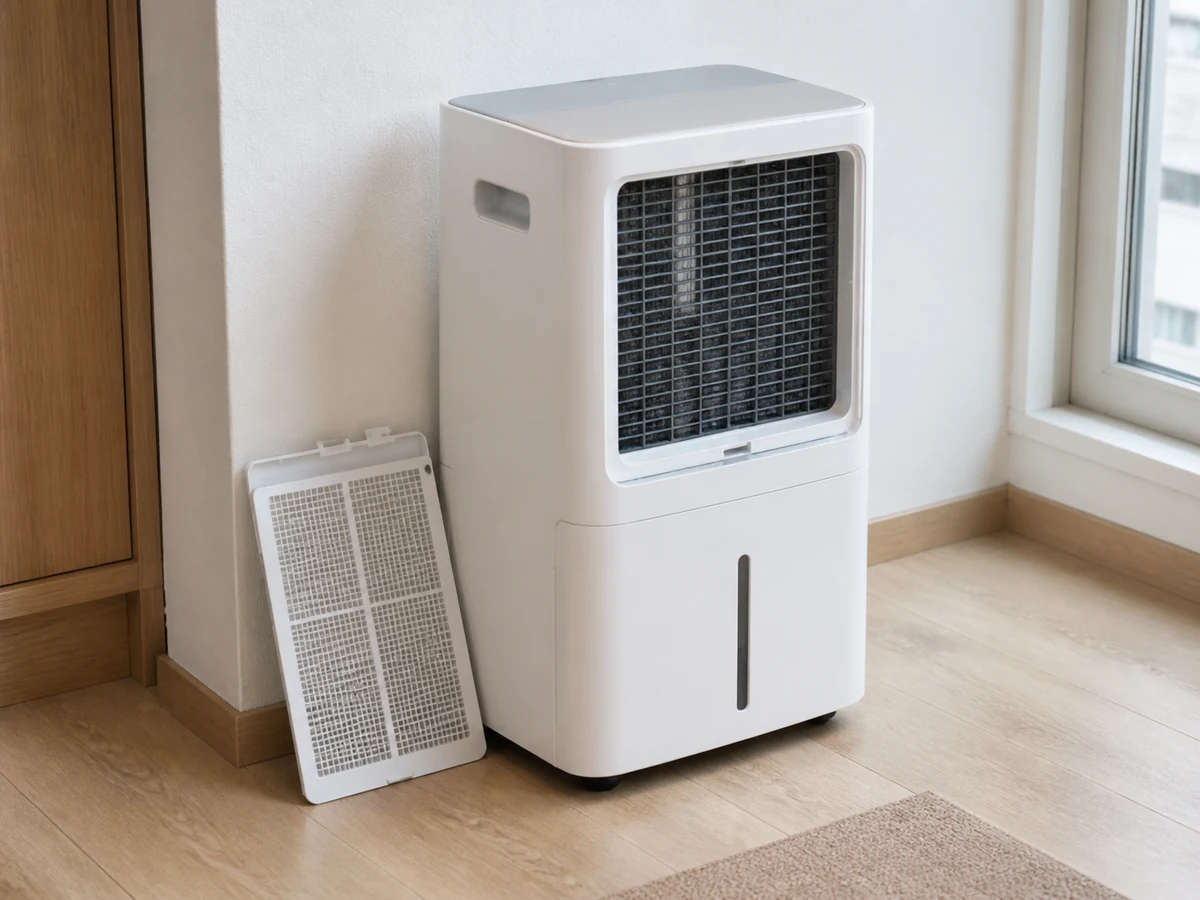
Forcing screws or casing open
✓ Correct actionRemove only the filter identified as resident-serviceable.
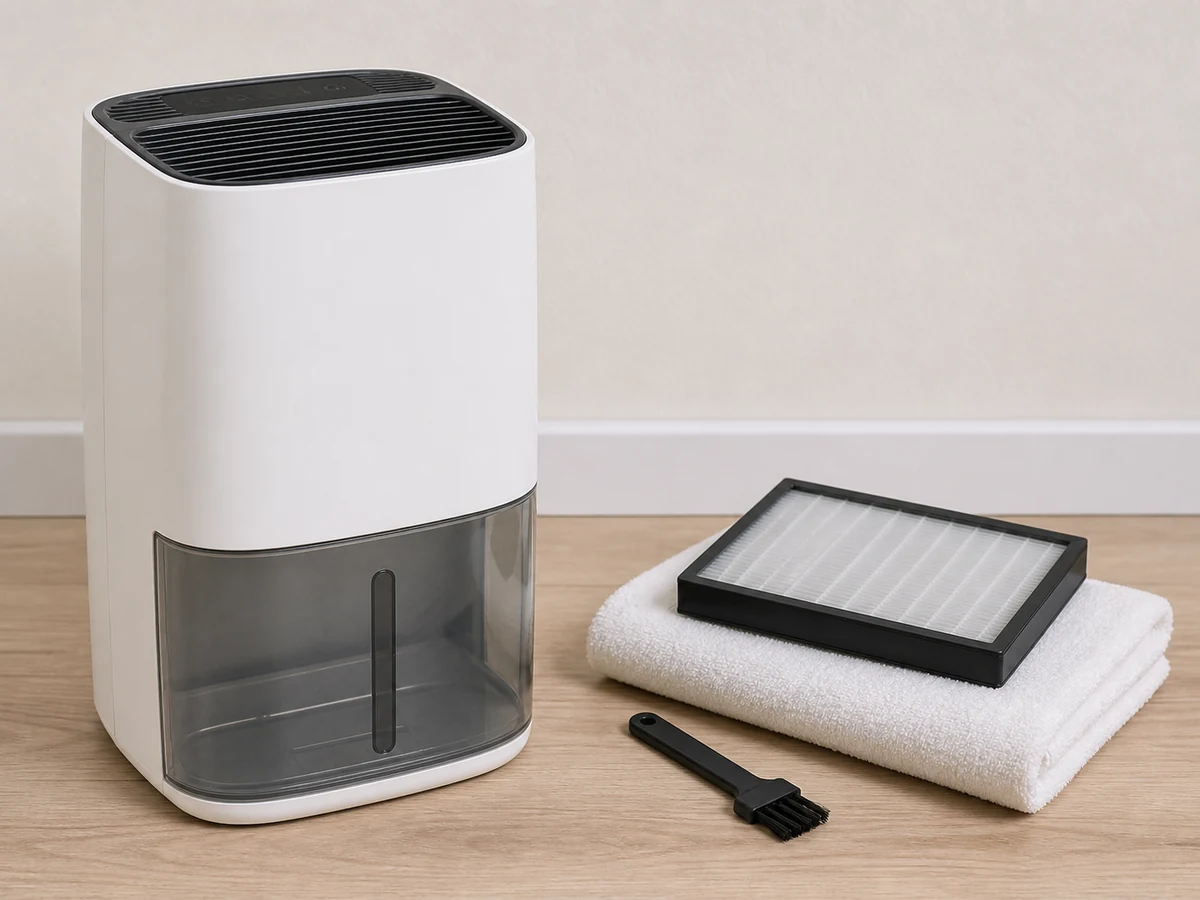
Assuming every filter is washable
✓ Correct actionCheck the model manual; use dry cleaning unless washing is expressly allowed.
Refitting a damp filter
✓ Correct actionDry completely in shade before refitting.
Practical tips
Tips for helpers
- Record the filter orientation before removal.
- Do dry dust removal over newspaper or an easy-to-clean surface.
Tips for employers
- Provide the correct model manual and identify its removable filter.
- Arrange suitable technical service for disassembly or faults.
Completion checklist
Checked 0 / 6