Kitchen cleaning
How to Clean a Toaster Correctly
Unplug and cool before emptying the model’s crumb tray while keeping the body dry
Overview
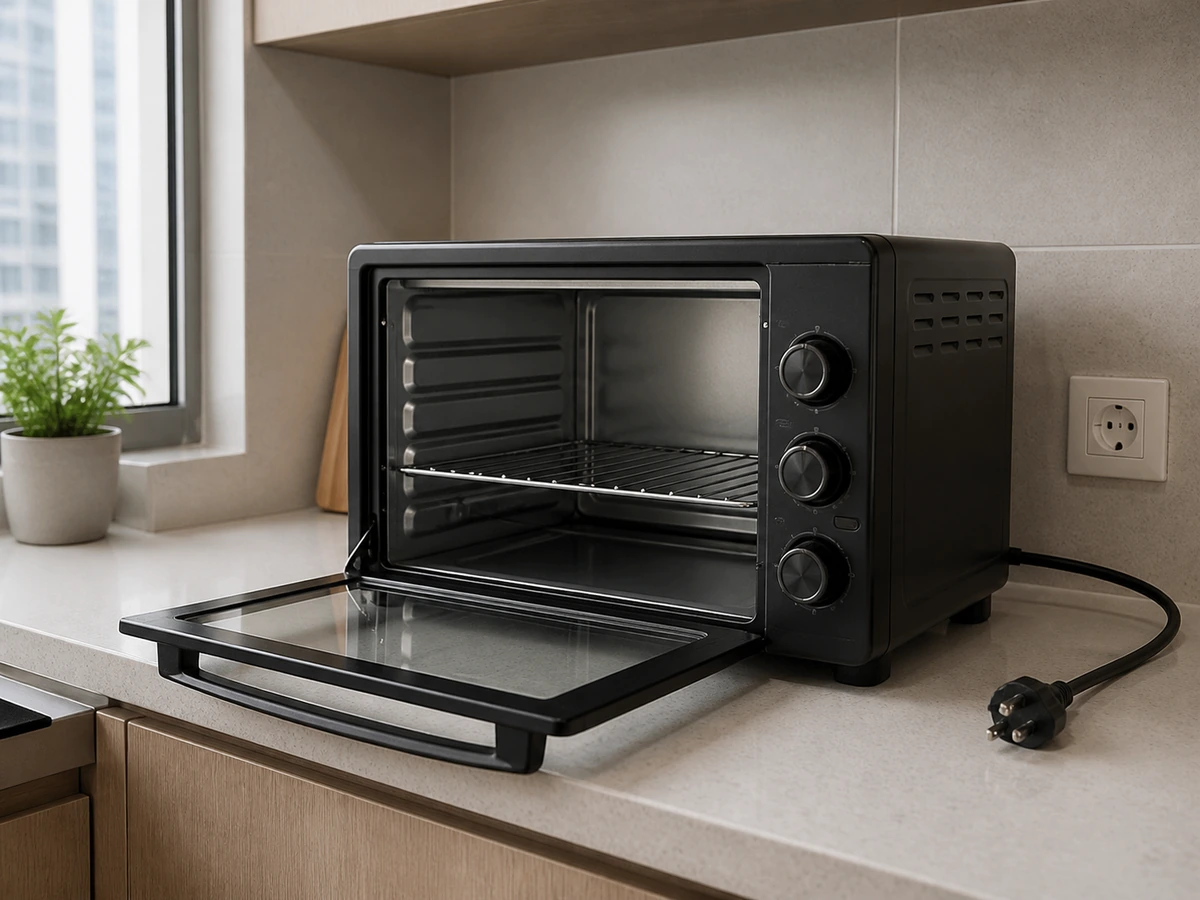
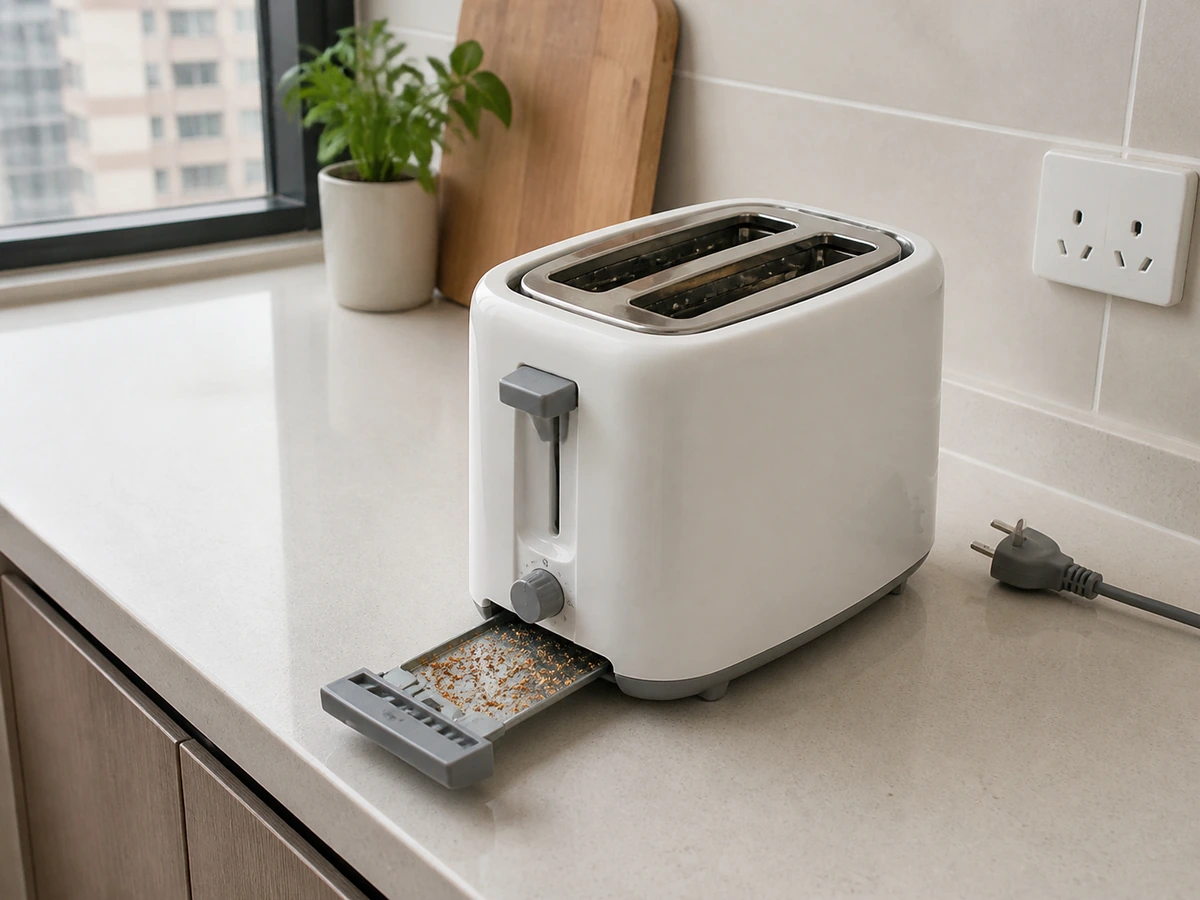
A toaster contains heating elements and electrical parts. Unplug it and let it cool completely. Remove only the crumb tray identified by the model manual; never put water, metal tools, or fingers into the slots, and never immerse the body.
Tools needed
- Exact model manual
- Dry soft cloth
- Small dry soft-bristle brush
- Dry towel
- Small tray or bin for crumbs
Cleaning steps
Unplug and cool fully
Switch off, unplug, and let the slots, body, and crumb tray cool completely.
Locate the crumb tray
Use the manual to confirm its location, direction, and whether it is user-removable.
Empty the tray
Pull out the cool tray steadily and tip crumbs into a bin away from the socket.
Clean approved parts
Use a dry brush or the manual’s method on the tray; never put water or tools into the slots.
Wipe the exterior
Use a lightly wrung soft cloth, then dry immediately. Never spray the toaster directly.
Dry and refit
Make sure the tray and body are dry, then return the tray correctly before use.
Common mistakes
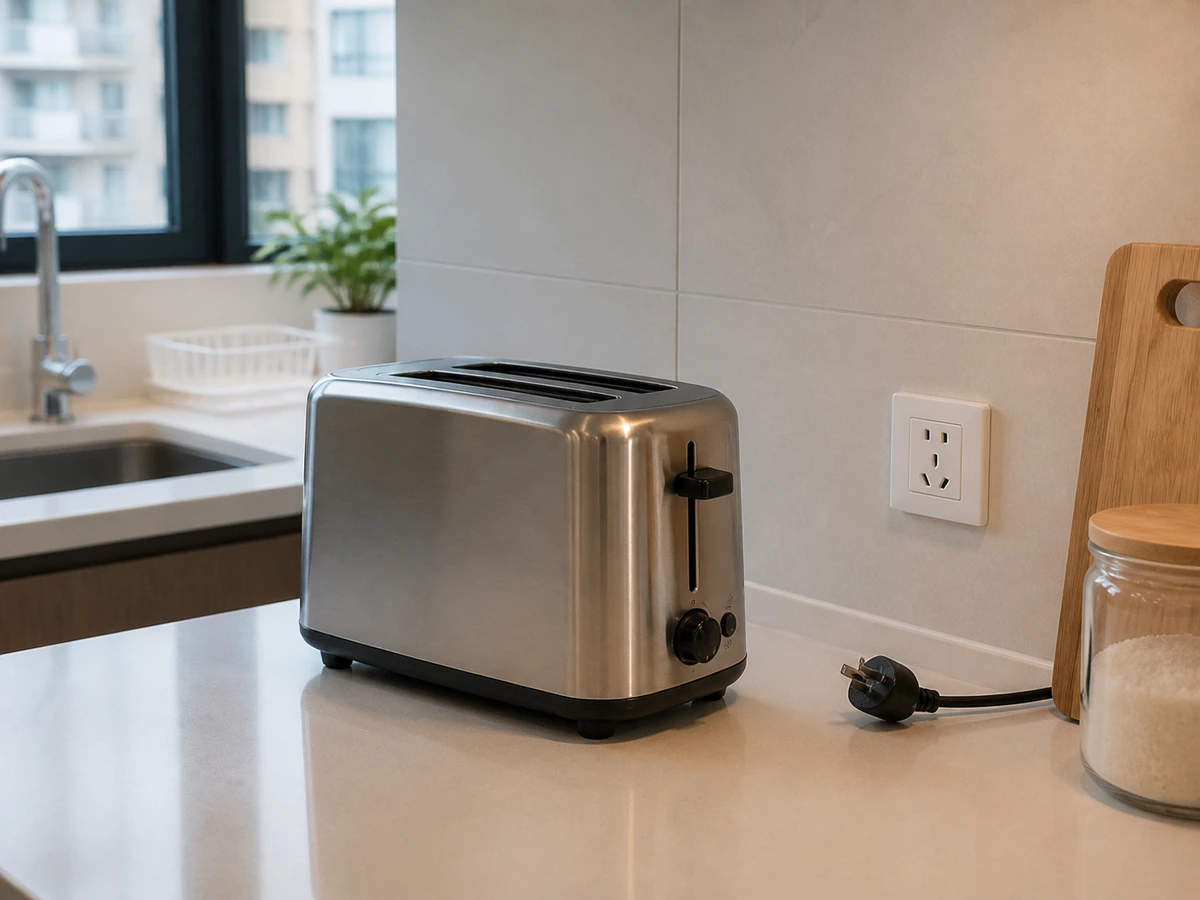
Cleaning while powered or hot
✓ Correct actionUnplug and wait until fully cool.
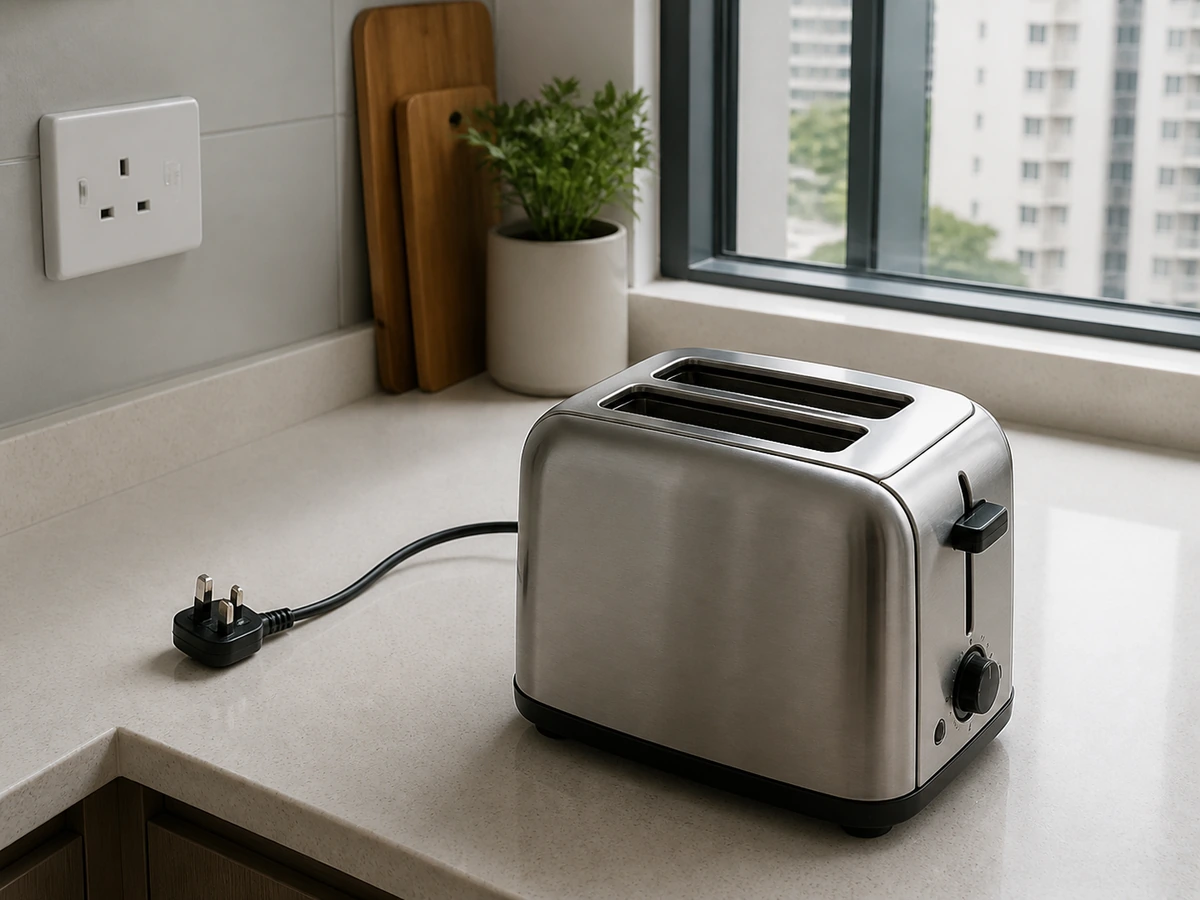
Putting a fork or metal tool into a slot
✓ Correct actionKeep slots tool-free; follow manufacturer service advice for trapped items.
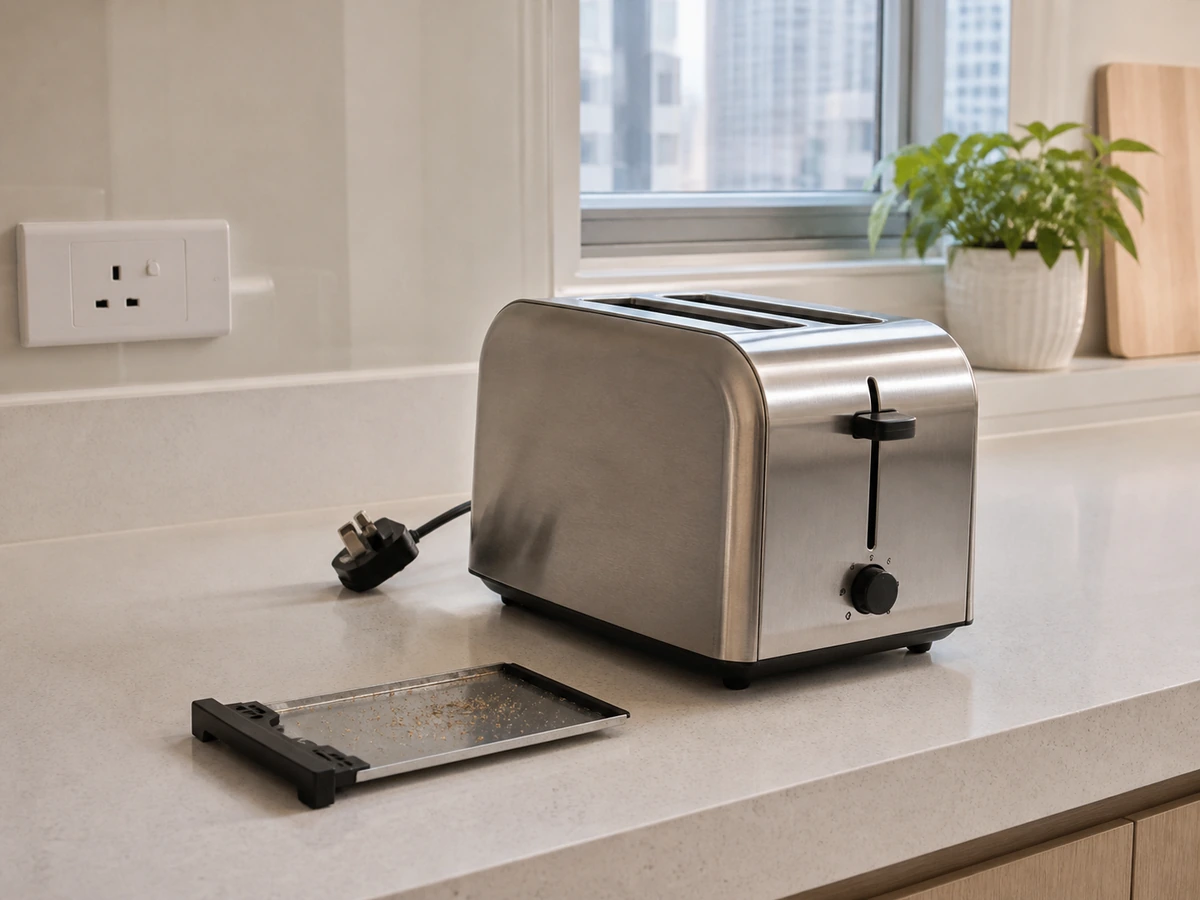
Rinsing or immersing the body
✓ Correct actionClean approved parts only and wipe the body.
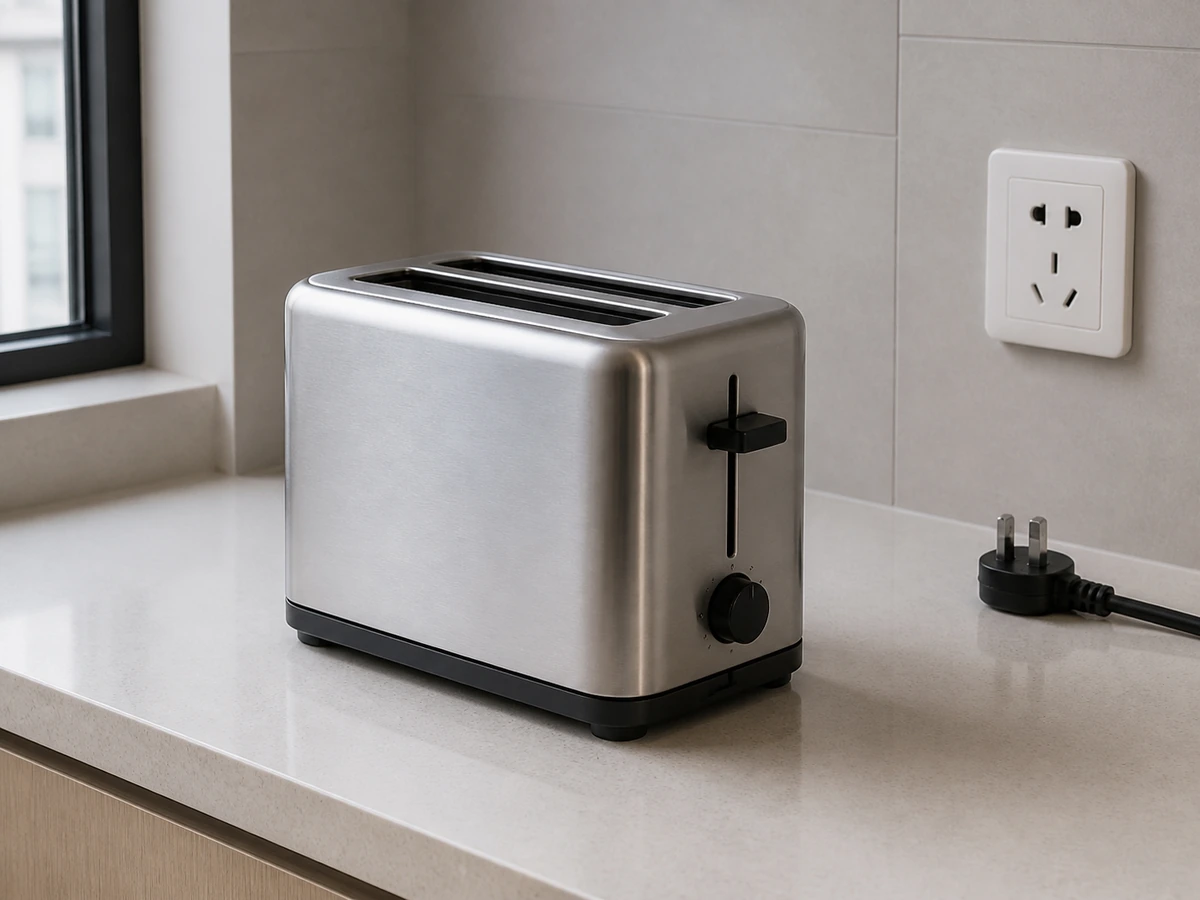
Operating without the crumb tray
✓ Correct actionDry and refit the tray correctly.
Practical tips
Tips for helpers
- Place a small tray below before pulling out the crumb tray.
- Use only a barely damp cloth outside and dry immediately.
Tips for employers
- Provide the model manual and show the correct crumb-tray location.
- Arrange service for trapped food or deformed elements.
Completion checklist
Checked 0 / 6