Appliance care
How to Clean a Television Screen Safely
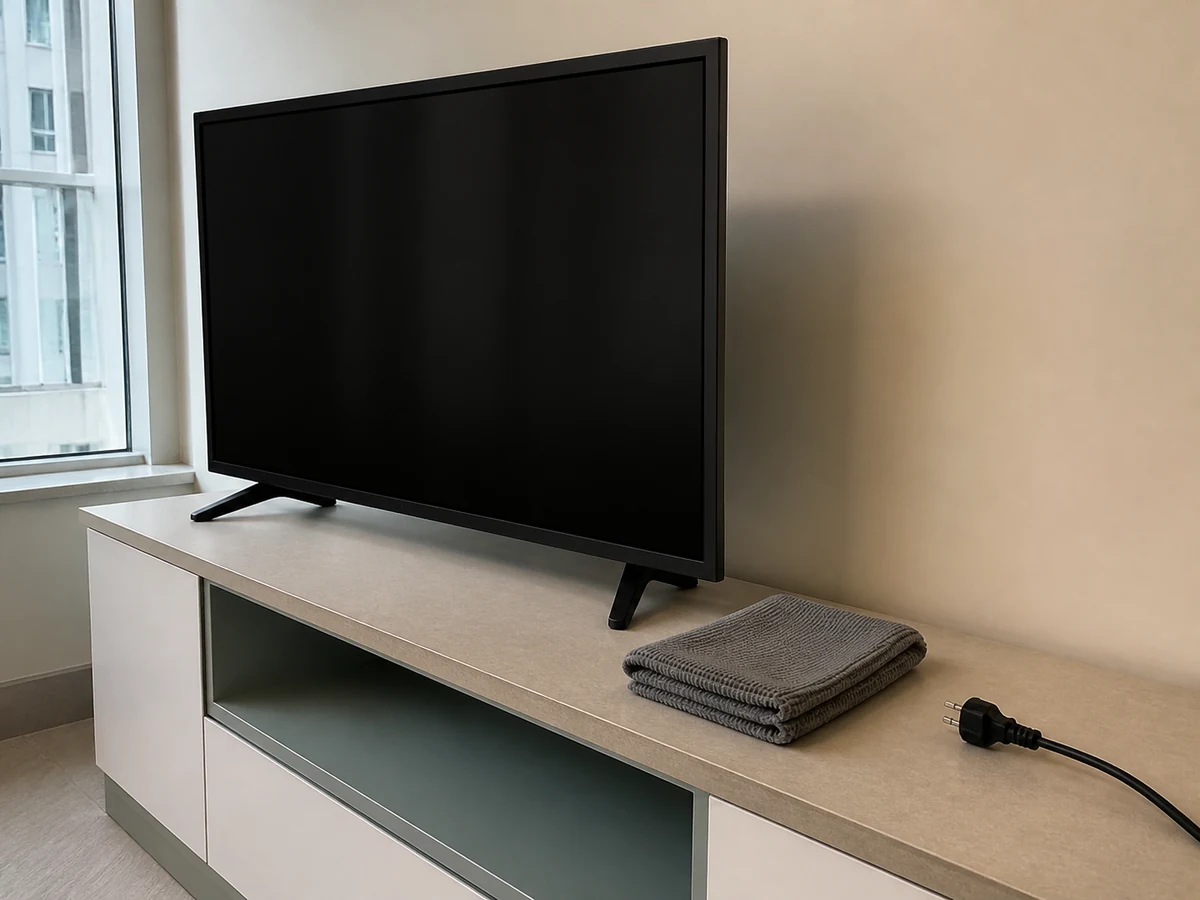
After switching off and unplugging, use a clean soft dry cloth with no liquid entering the television
Overview
TV panels and coatings vary by model. Read the manual, switch off, unplug and let the set cool. For ordinary dust, use only a clean soft lint-free dry cloth with light pressure. Never spray directly or use excessive moisture, abrasives, glass cleaner or unverified chemicals.
Tools needed
- Model manual
- Clean microfibre cloth reserved for screens
- Second dry lint-free cloth
- Torch for angled inspection only
- Stable dry work area
Cleaning steps
Read model cleaning instructions
Confirm the panel coating and permitted cloth or liquid. Keep the method dry when the manual does not allow a liquid.
Switch off, unplug and cool
Switch off normally, unplug by the plug with dry hands and wait for the screen to cool.
Dust with a dry cloth
Use a clean lint-free microfibre cloth in gentle straight passes without pressing the panel.
Treat marks in small areas
If marks remain, follow the manufacturer method and put only the smallest approved amount on the cloth, never the TV; it must not drip.
Dry the frame and protect openings
Use a dry cloth on the frame and keep panel edges, buttons, vents, sockets and ports free of liquid.
Reconnect only when fully dry
Confirm the screen, frame, ports and cord are completely dry and undamaged before power is restored.
Common mistakes
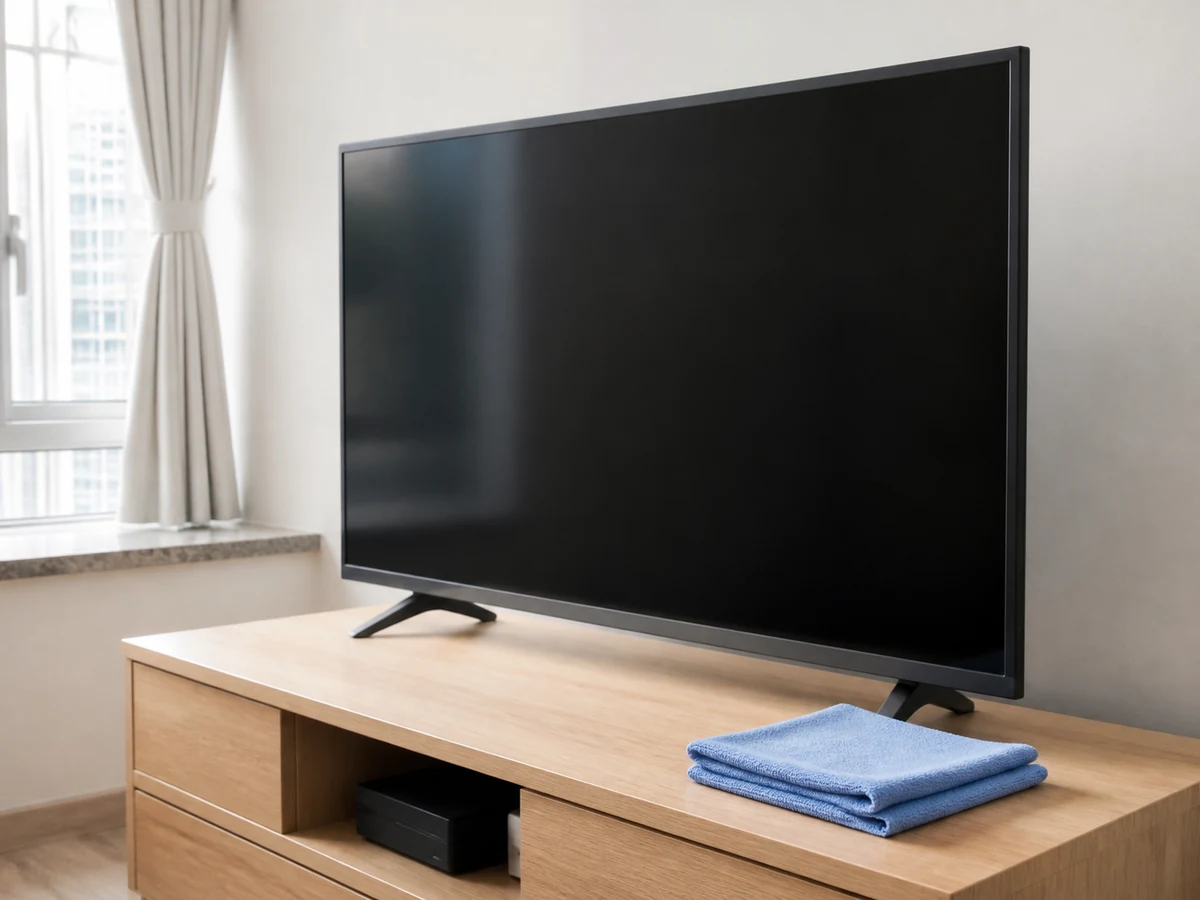
Spraying water or cleaner onto the screen
✓ Correct actionKeep the set dry; if a model permits liquid, put only a tiny amount on the cloth.
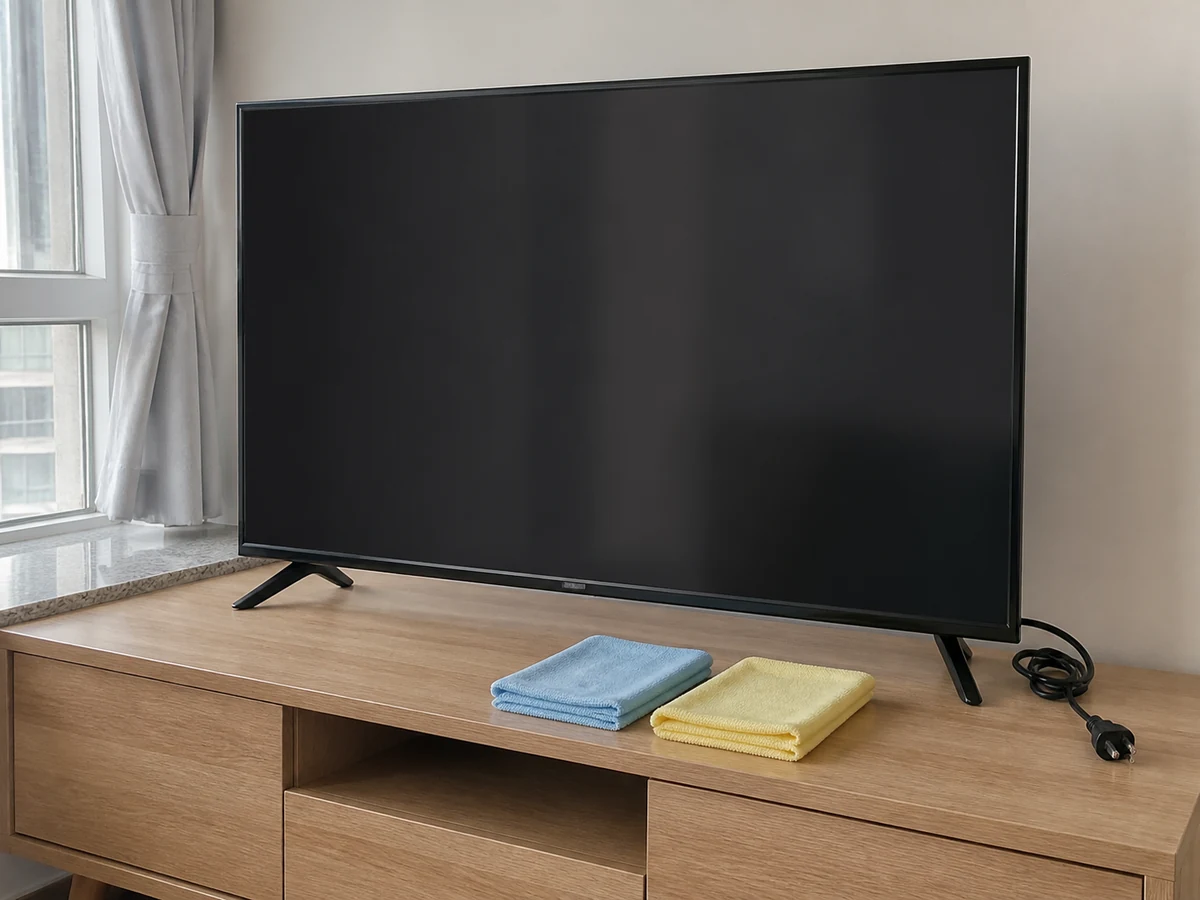
Using paper towel, rough cloth, sponge or abrasive
✓ Correct actionUse only a clean soft lint-free microfibre cloth.
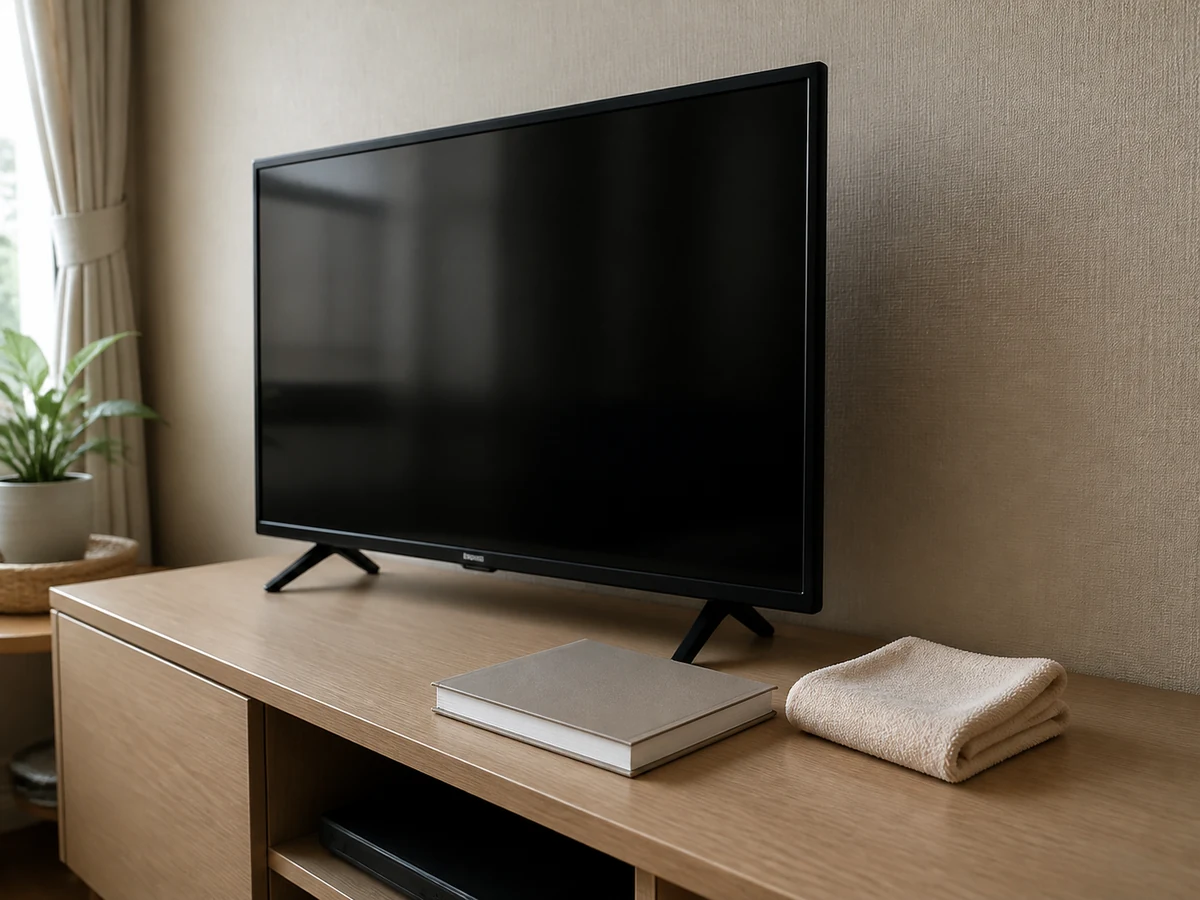
Using unapproved glass cleaner or chemical
✓ Correct actionFollow the model manual; do not improvise alcohol, ammonia, solvent or household cleaner.
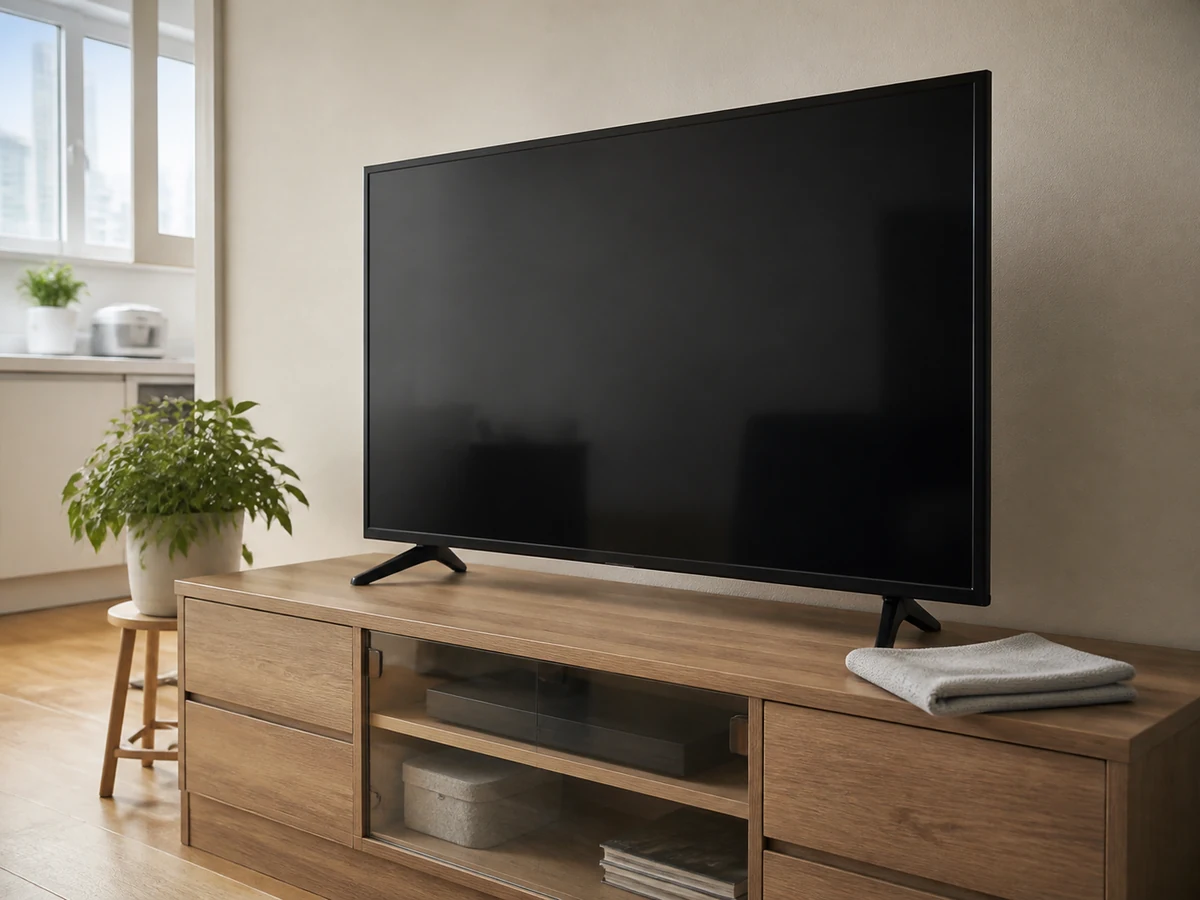
Pressing hard or allowing liquid at an edge
✓ Correct actionUse light passes over small areas and keep every edge and opening dry.
Practical tips
Tips for helpers
- Reserve the microfibre cloth for screens so it has no grit or cleaner residue.
- Use angled light to inspect a mark rather than repeated heavy rubbing.
Tips for employers
- Provide the model manual and an approved screen cloth.
- Arrange suitable help for a high or unstable wall-mounted TV; no climbing or moving by the helper.
Completion checklist
Checked 0 / 6